
Why the Apple Magic Mouse Is Apple’s Most Underrated Accessory
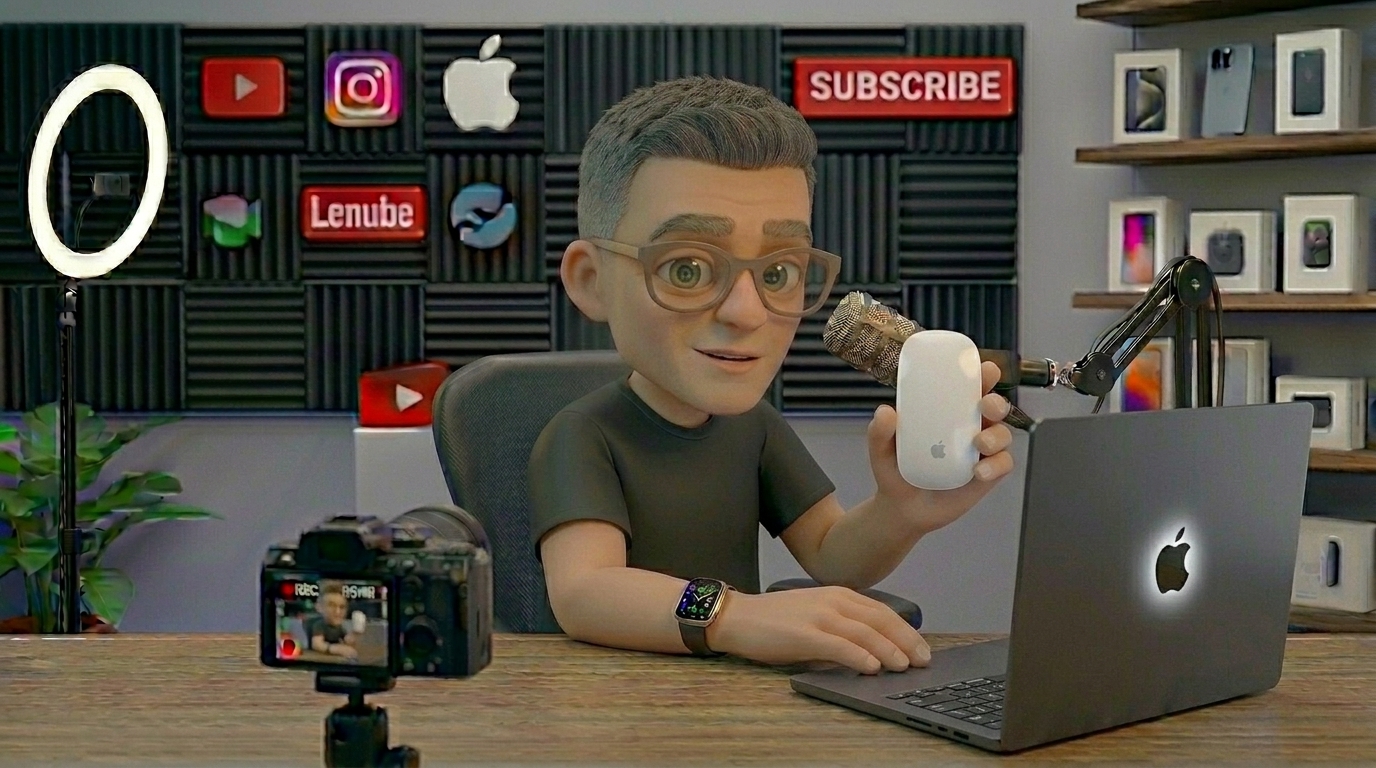
In the pantheon of Apple hardware, certain products are universally canonized. The iPhone redefined modern communication. The MacBook Air reshaped personal computing. The AirPods turned wireless audio into a ubiquitous fashion statement.
And then, there is the Apple Magic Mouse.
If you spend any time in tech forums, YouTube comment sections, or graphic design subreddits, you will find a relentless stream of vitriol aimed at this sleek little slab of aluminum and acrylic. It is routinely mocked for its unorthodox ergonomics and vilified for its charging port placement. To the vocal majority, it represents a rare instance of Apple prioritizing form over function.
But here is a counter-intuitive truth: The Magic Mouse is one of the most misunderstood, brilliant, and underrated accessories Apple has ever created. When used the way Apple actually intended, it isn’t an ergonomic nightmare—it’s an efficiency powerhouse. By bridging the gap between a traditional mechanical mouse and the multi-touch fluidity of a trackpad, the Magic Mouse offers a workflow experience that no other mouse on the market can replicate.
The Real Reason People Hate It: The Charging “Flaw”
Before we can appreciate the genius of the Magic Mouse, we have to address the elephant in the room: the charging port.
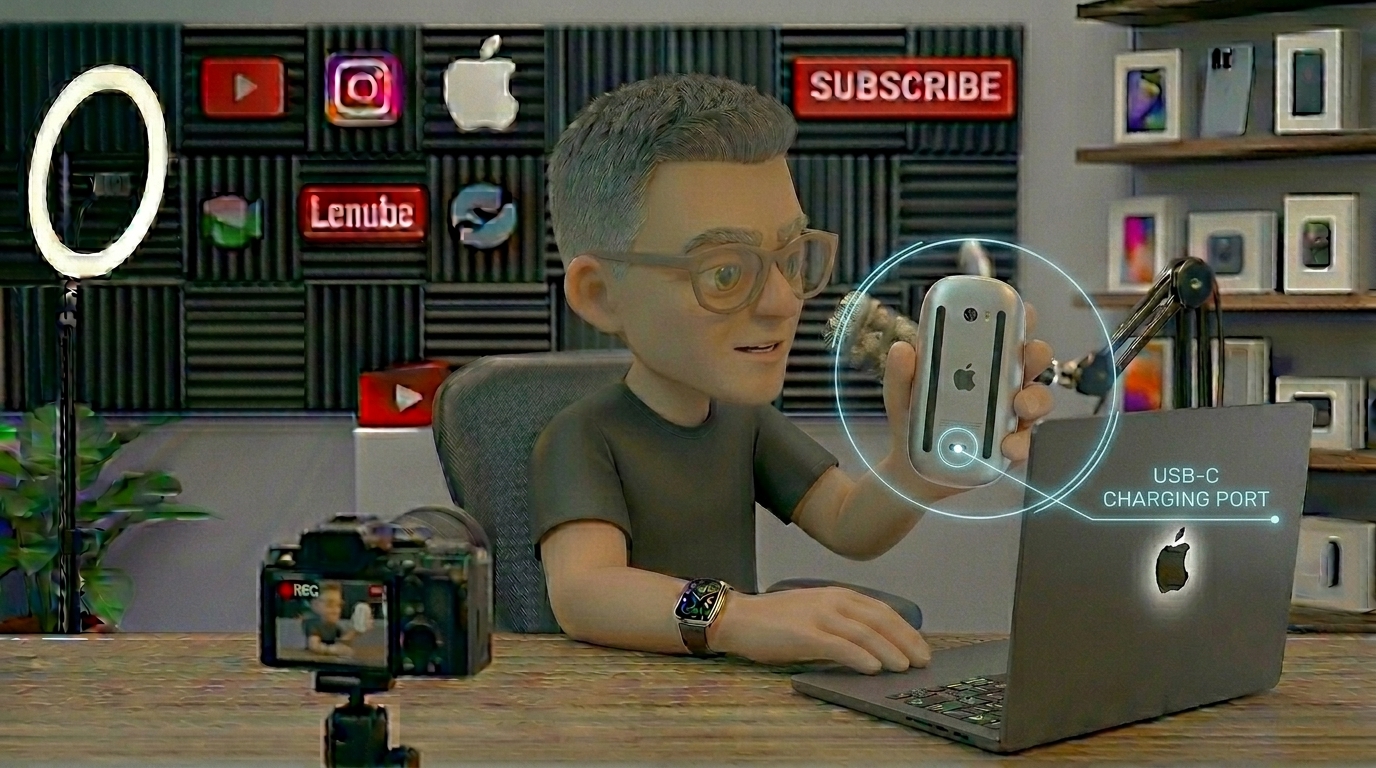
Since its redesign as the Magic Mouse 2, the charging port has lived on the bottom of the device. This means that when the mouse is charging, it must lie on its back like a helpless, flipped turtle, rendered completely useless. On paper, it looks like an egregious design failure. Tech reviewers have had a field day with it for years.
But let’s look at the actual math of using this device:
- The Battery Life: A single charge lasts between one to two months depending on usage.
- The Quick Charge: Plugging the mouse in for just two minutes gives you enough battery life to get through a full 8-hour workday.
- The Reality Check: You only need to flip the turtle 6 to 12 times a year. You can do it while making coffee, taking a lunch break, or stepping away from your desk.
By placing the port on the bottom, Apple preserved the unbroken, seamless aesthetic of the top shell. While it violates the traditional rule of “plug-in-and-use-while-charging,” it forces a clean design that is entirely unencumbered by a front-facing cable socket that would otherwise collect dust and ruin the mouse’s sleek silhouette. It is a compromise, yes, but one whose real-world inconvenience is wildly blown out of proportion.
You’re Holding It Wrong: The Ergonomic Misconception
The most common complaint levelled against the Magic Mouse is that it causes hand cramps because it is “too flat.” Traditional ergonomic mice, like the Logitech MX Master series, feature a high, contoured arch designed to support the entire palm of your hand.
When users approach the Magic Mouse with a traditional “palm grip”—attempting to rest the meat of their hand flat against the surface—they inevitably experience discomfort. Their fingers are forced into unnatural angles, and their wrist drags across the desk.
The Secret: The Magic Mouse is not designed for a palm grip. It is designed for a fingertip grip.

When you use a fingertip grip, your palm hovers completely above the mouse. Your thumb rests on one aluminum sidewall, and your ring and pinky fingers rest on the other. Your index and middle fingers float lightly over the glass surface.
Once you adopt this posture, the Magic Mouse makes perfect sense. You aren’t moving the mouse with your entire forearm; you are micro-manipulating it with the tips of your fingers. This gives you an astonishing amount of precision and, crucially, clears the top surface of the mouse so your fingers can perform its true superpower: gestures.
The Superpower: A Trackpad Disguised as a Mouse
What makes the Magic Mouse genuinely underrated is that people treat it like a standard point-and-click mouse, ignoring the fact that the entire top surface is a giant, seamless multi-touch trackpad.

Apple’s macOS is deeply built around trackpad gestures. Features like Mission Control, App Exposé, and fluid horizontal scrolling are core to navigating the operating system efficiently. If you use a traditional mouse from a third-party manufacturer, you lose that native fluid integration. You are forced to rely on clunky scroll wheels and side buttons mapped to keyboard shortcuts.
The Magic Mouse gives you the best of both worlds: the targeted physical precision of an optical mouse, combined with the gesture-based speed of the Magic Trackpad.
The Power-User Gesture Suite
- 360-Degree Inertial Scrolling: Traditional mouse wheels move strictly up and down, often in rigid, notched increments. The Magic Mouse allows you to scroll in any direction—up, down, left, right, and diagonally—with pixel-perfect smoothness. If you are a video editor scrubbing through a massive timeline, or a data analyst navigating a massive Excel spreadsheet, this feature alone is a game-changer.
- Swipe to Navigate: A simple, one-finger horizontal swipe lets you flip between pages in Safari or documents in Preview as if you were turning pages in a book.
- Double-Tap for Mission Control: A gentle double-tap with two fingers instantly zooms out to show you every open window on your Mac. No searching for shortcuts, no hitting the keyboard—just a seamless fluid transition.
- Spaces Swiping: A two-finger horizontal swipe lets you glide effortlessly between full-screen apps and multiple desktop spaces.
When you master these gestures, navigating macOS becomes incredibly fast. Your hand barely moves; your fingertips simply dance across the surface of the mouse, manipulating your digital workspace with unmatched speed.
Unmatched Build Quality and Minimalism
In a market saturated with chunky plastic mice covered in rubber grips that inevitably degrade and get sticky over time, the Magic Mouse stands alone as a marvel of industrial design.
It is constructed from a solid block of aluminum and a single piece of polished acrylic. There are no seams to collect dirt, no rubber elements to wear away, and no intricate crevices that require cleaning with a toothpick. It is remarkably durable, lightweight, and incredibly easy to clean.
Furthermore, from a purely aesthetic standpoint, it is a minimalist masterpiece. Whether sitting next to a Studio Display, an iMac, or a docked MacBook, it complements Apple’s design language perfectly. It takes up minimal physical space on a desk and slides easily into a laptop sleeve without creating an awkward bulge, making it an excellent travel companion for mobile professionals.
Who Is the Magic Mouse For?
To say the Magic Mouse is underrated is not to say it is perfect for everyone. It is a specialized tool optimized for a specific ecosystem and workflow.
| Best Suited For | Not Ideal For |
| Creative Professionals: Video editors (Final Cut, Premiere), audio engineers (Logic Pro), and graphic designers who rely heavily on horizontal timelines and canvas panning. | Hardcore Gamers: First-person shooters and competitive games require distinct physical left/right switches and high-DPI hardware buttons that the Magic Mouse isn’t built for. |
| General Productivity Power-Users: Anyone who heavily utilizes macOS Spaces, Mission Control, and web navigation. | Users with Chronic Wrist Issues: Those who require intense orthopedic support or prefer a vertical mouse layout. |
| Minimalist Aesthetic Enthusiasts: Users who want a clean, wireless, cable-free desk setup. | Windows Users: While it can work on PC with third-party drivers, you lose the native gesture support that makes it magical. |
The Verdict: A Masterpiece in Hiding
The Apple Magic Mouse is often judged by the standards of a world it doesn’t belong to. If you judge it as a traditional mechanical mouse meant to be gripped tightly and dragged across a pad for gaming, it fails.
But the Magic Mouse isn’t a traditional mouse. It is a multi-touch input surface on wheels.
It requires a slight learning curve—a shift from a heavy-handed palm grip to a light, nimble fingertip touch. But once that muscle memory locks in, and you begin gliding through timelines, switching desktops with a flick of your fingers, and scrolling smoothly through data, the brilliance of the device becomes undeniable.
It is sleek, incredibly durable, tightly integrated into macOS, and vastly more productive than its critics give it credit for. It’s time to stop laughing at the charging port and start appreciating the engineering marvel hiding right under our fingertips. The Magic Mouse isn’t a design failure; it’s Apple’s most underrated productivity weapon.