
And the Gotchas You Need to Know

If you have ever bought a 3D printer, picked up a CNC router, or decided to start prototyping your own hardware at home, you have hit “The CAD Wall.”
You finish setting up your machine, download a few pre-made models from print repos, and quickly realize that to build what you actually want, you need 3D Computer-Aided Design (CAD) software.
Then comes the real shock: professional CAD licenses cost thousands of dollars per year. The free options often feel like abandoned open-source experiments, or stripped-down commercial software designed to frustrate you into pulling out your credit card.
Enter Onshape.
Developed by the original creators of SolidWorks, OnShape is a professional-grade, cloud-native parametric CAD platform. Best of all, it offers a surprisingly generous Free Plan aimed squarely at hobbyists, makers, and educators.
Here is why OnShape has become the go-to CAD platform for the maker community, followed by an honest look at its limitations so you aren’t caught off guard.
Part 1: Why Onshape is the Best Free CAD Option for Hobbyists
1. Hardware Agnostic: Runs on Anything with a Web Browser
Traditional desktop CAD software demands high-end workstations with dedicated GPUs, massive amounts of RAM, and fast processors. If you try to run heavy parametric software on an everyday laptop or a Chromebook, your fans will sound like a jet engine taking off right before the program crashes.
Onshape flips this script entirely.
Because it runs 100% in the cloud via WebGL, all the heavy computational lifting—rendering complex geometric math, updating feature trees, and resolving assemblies—happens on remote servers.
- No Installation Required: You don’t have to download 15 gigabytes of files or deal with license keys. You simply open your web browser, log in, and start modeling.
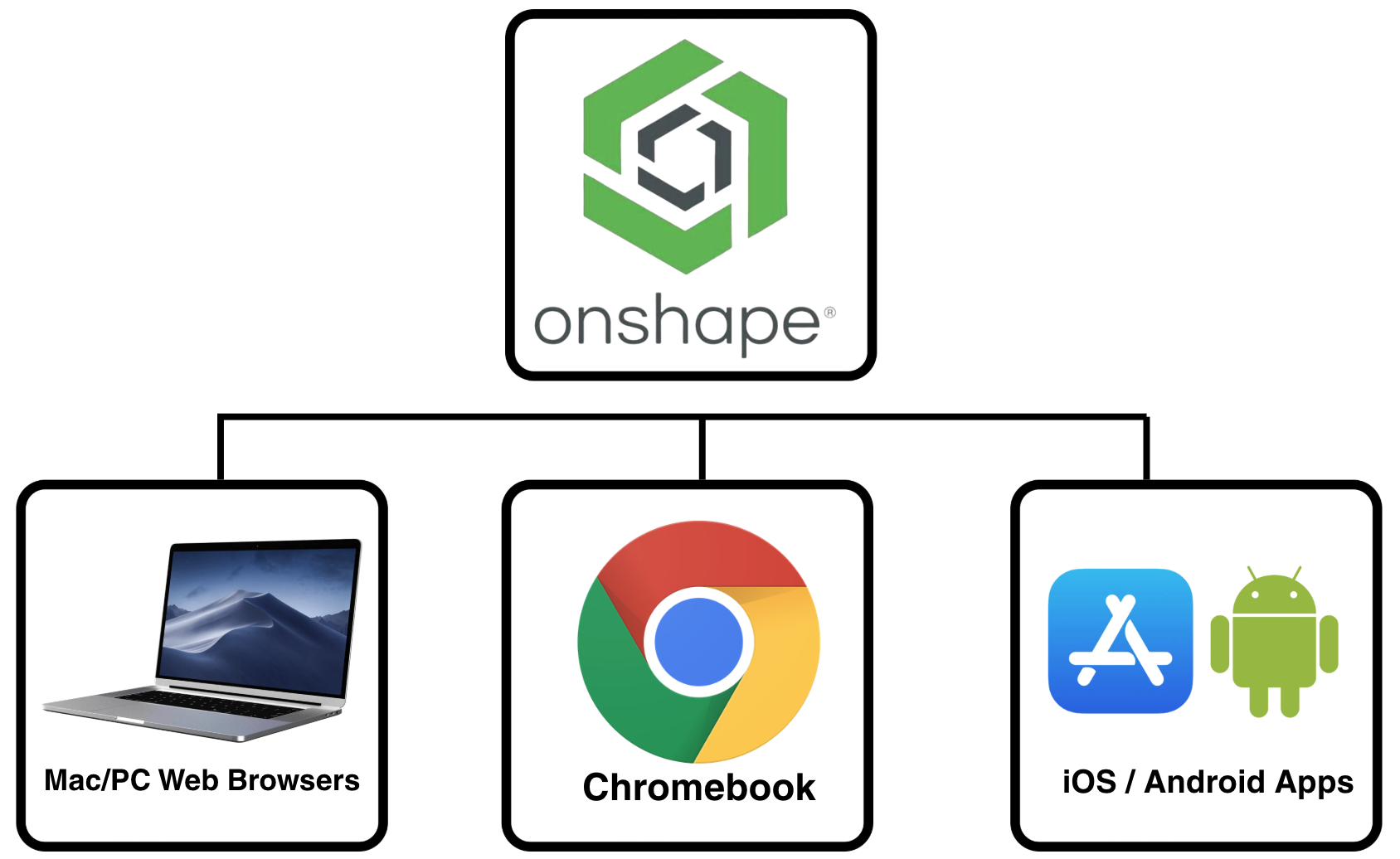
- Device Freedom: You can design a part on a high-end desktop PC, review the assembly on a MacBook, tweak a dimension on a $200 Chromebook, and show off the 3D model to a friend on an iPad or smartphone using Onshape’s full-featured mobile app.
2. Industry-Standard Parametric Power
Many “free” 3D tools force you into mesh-based editing (like Tinkercad or Blender). While great for sculpts or basic shapes, mesh tools struggle when you need precise dimensional accuracy, mechanical interlock, or retroactively editable features.
OnShape is a true parametric CAD system.
- You draw precise 2D sketches with exact constraints (horizontal, tangent, concentric, parallel).
- You extrude, revolve, sweep, or loft those sketches into 3D solids.
- If you realize on Step 50 that a hole designed on Step 3 needs to be 5mm instead of 4mm, you simply change the drive dimension. The entire model updates downstream automatically without breaking your design.
For makers designing enclosures for electronics, custom gearboxes, adapter plates, or replacement machine parts, parametric accuracy is non-negotiable.
3. Built-In Data Management (Say Goodbye to Crashes and Lost Files)
If you have ever worked in traditional desktop CAD, you know the drill:
Bracket_v1.stepBracket_v2_final.stepBracket_v2_FINAL_FINAL(1).step
File management in legacy CAD is a nightmare, and file corruption after a sudden crash can ruin days of effort.
OnShape eliminates local files entirely. It operates more like Google Docs for 3D modeling:
- No Save Button: Every single click, sketch, and extrusion is recorded instantly to the cloud. You never lose work to a crash.
- Infinite Version History: You can roll back your design to any point in time.
- Branching and Merging: Want to test a radical new design idea without ruining your working model? Create a new “Branch.” If the idea works, merge it back into the main branch. If it fails, delete the branch—your original file remains completely untouched.
4. Multi-Part Studios: Contextual Designing Made Easy
In traditional CAD software, parts are built in separate individual files, which are then brought together into an Assembly file to see if they fit. If you change a clearance dimension on Part A, you have to open Part B separately to update it.
OnShape introduces the Part Studio.
Inside a single Part Studio, you can model multiple interrelated parts simultaneously using shared sketches and geometry. For instance, if you are designing a plastic enclosure with a snap-fit top lid and bottom base, you can model both parts right on top of each other. If you resize the outer dimensions of the base, the lid automatically scales with it.
5. Multi-User Real-Time Collaboration
Working on a team project for a robotics club, a maker space, or a group gift? OnShape’s real-time collaboration features are unmatched.
Two people can log into the exact same document simultaneously from different locations. You can watch your team member add a fillet to a corner in real time while you work on an internal mounting boss. Built-in commenting and follow modes make remote collaboration effortless.
Part 2: Understanding the Limitations of the Free Tier
While Onshape Free gives you access to the same core geometric CAD engine as the $1,500+/year commercial tiers, PTC (Onshape’s parent company) maintains clear boundaries between hobbyist usage and paid professional work.
Before migrating your entire workflow, keep these critical limitations in mind.
| Feature / Aspect | OnShape Free Tier | OnShape Paid Tiers (Standard/Pro) |
|---|---|---|
| Document Privacy | 100% Public (Searchable & Copyable) | 100% Private |
| Commercial Use | Strictly Prohibited | Full Commercial Rights |
| Private Document Storage | No Privacy Controls | Unlimited |
| Advanced Simulation (FEA) | Not Included | Included in Pro/Enterprise |
| Render Studio (Photorealistic) | Not Included | Included in Pro/Enterprise |
| Offline Access | Impossible (Requires Active Internet) | Impossible (Requires Active Internet) |
1. The “Public Documents” Policy (The Biggest Catch)
This is the single most important caveat to understand: Every document you create on the OnShape Free plan is strictly public.
What does “Public” actually mean?
- Anyone Can Search for It: Your design appears in OnShape’s public search index.
- Anyone Can View and Export It: Other users can view your 3D models and export them as STL, STEP, or DXF files.Reddit
- Anyone Can Copy It: Another user can copy your entire document into their account, inspect your feature tree, and modify your design for their own use.Reddit
What this means for you: If you are working on an open-source 3D printer mod, a custom bracket for your desk, or a toy for your kids, this public policy is completely fine. However, if you are designing a secret prototype, working on a patentable invention, or creating something confidential, do not use the free version of OnShape.
2. Strictly No Commercial Use Allowed
The Free tier is explicitly licensed for non-commercial, personal, educational, or hobbyist use only.
- Hobbyist Use (Allowed): Modelling a part to print at home for personal repair, designing custom tabletop minis, or building open-source community projects.
- Commercial Use (Violation): Using the free software to design products you intend to sell on Etsy, freelancing for paying clients, or modelling components for your small manufacturing business.Reddit
If you plan to monetize your work, you are legally required to upgrade to a paid subscription. (Note: OnShape does offer an incubator/startup program with temporary free or discounted licenses for eligible early-stage businesses).
3. public documents
OnShape does not allow for private files—all your documents are available to all OnShape users.
4. Requires a Constant Internet Connection
Because Onshape relies entirely on cloud servers for storage and processing, you cannot use it offline.
- If your Wi-Fi goes down, your internet drops out, or you want to work on a flight without paying for in-flight Wi-Fi, you cannot launch or edit your CAD files.
- While Onshape handles low-bandwidth connections surprisingly well once a document is loaded, a active internet connection remains mandatory.
5. Missing Advanced Modules (FEA & Rendering)
While the core part-modeling, assembly, and 2D drawing engines are fully intact on the free plan, certain high-end engineering add-ons are locked behind the paid tiers:
- Finite Element Analysis (FEA): You won’t be able to run stress analysis, heat distribution, or load tests directly inside Onshape (though you can export STEP files to free external FEA tools like FreeCAD or CalculiX).
- Render Studio: Native photorealistic ray-tracing and high-end marketing rendering engines are reserved for Professional tiers.
How to Get Started with Onshape in 3 Steps
If the limitations don’t cross your personal boundaries, getting started takes under two minutes:
- Create an Account: Head over to OnShape’s website and sign up for the OnShape Free / Public Plan.OnShape
- Explore the Learning Center: OnShape provides one of the best free educational libraries in the CAD industry.Take the free “CAD Basics” self-paced course to get comfortable with constraints and features.CheckThat.ai
- Start Modeling: Click “Create Document,” jump straight into a sketch, and start turning your ideas into physical 3D objects.
Final Verdict: Is Onshape Free Right for You?
If you are a commercial shop owner, a freelancer selling physical goods, or an inventor holding sensitive intellectual property, Onshape’s free plan is not meant for you. The public file requirement and commercial restrictions make a paid plan (or alternative desktop CAD) necessary.
However, for 3D printing enthusiasts, woodworkers, robotics hobbyists, students, and open-source makers, Onshape Free is arguably the most capable tool available.
It gives you professional, browser-based, high-performance parametric CAD without requiring a $3,000 computer or charging a dime. As long as you don’t mind sharing your designs with the broader maker community, OnShape will revolutionize your hardware projects.